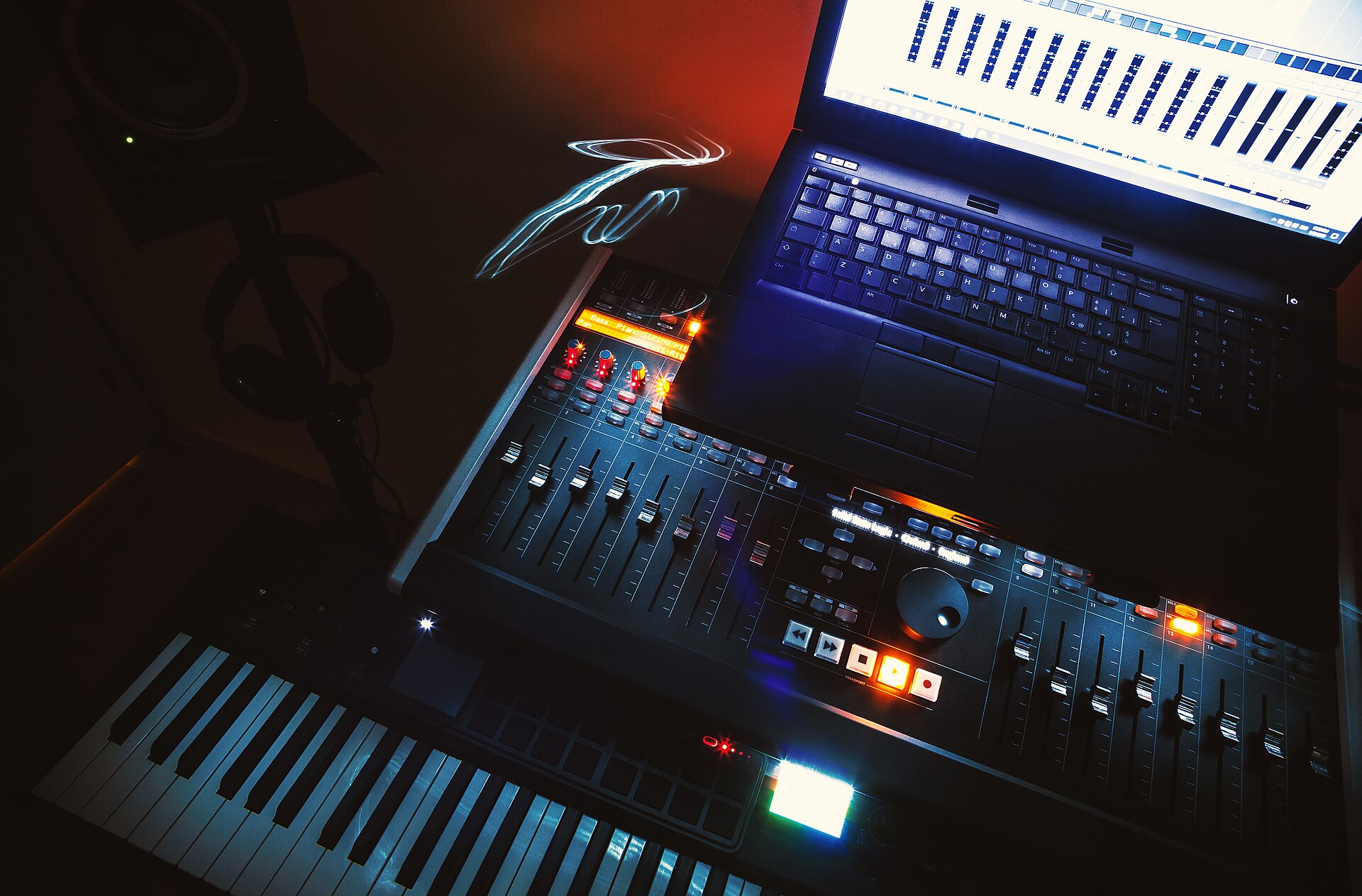
The Ableton Live Lite serial card that comes in the box with a new controller, audio interface or groovebox gives you a full copy of Live 12 Lite. The license never expires. With Lite you can record, sequence and mix a complete song. The hard limit is eight tracks, with eight mono audio inputs. Live 12 Intro doubles both figures, and Standard removes the track cap.
Lite comes with hardware and apps and is never sold on its own
Live Lite only ships with certain products and is not sold separately. The serial number is either printed on a card in the packaging or issued when you register the device with its manufacturer. The iOS app Ableton Note is another route: choosing “Get Ableton Live Lite” in the app’s Settings menu unlocks it.
Bought the hardware secondhand and the card is missing? The replacement form for Lite serials covers that case too, and it requires a valid proof of purchase. A serial cannot be issued without a qualifying hardware or app purchase.
Owners of any older Lite version get a free upgrade to Live 12 Lite without a new serial number, so an old serial is still worth registering.
The serial needs an Ableton account before Live will run
Register the serial in your Ableton account, then download the installer from that account. If you do not have an account yet, you can create one during registration. Once installed, Live asks to be authorized. If the serial is registered and the computer is online, choose the online method to authorize Live. A computer without internet can use the offline method, which Ableton’s setup guide for Lite walks through.
Live 12 Lite runs on macOS 11 Big Sur or later and on Windows 10 (version 22H2) or Windows 11 (version 22H2 or later), with 8 GB of RAM as the minimum. The basic installation takes about 3 GB on the system drive. Those requirements change between Live versions, so check the current list before installing on an older machine.
Eight tracks and eight inputs set the limit for a hardware rig
Lite does not cut the core of Live. Session View, multitrack recording, comping, unlimited undo, group tracks, MIDI output to hardware synths, MIDI clock sync and Ableton Link are all included, along with support for VST and Audio Unit plug-ins. The editions differ mostly in how much fits in a project.
| Live 12 Lite | Live 12 Intro | Live 12 Standard | Live 12 Suite | |
|---|---|---|---|---|
| Audio and MIDI tracks | 8 | 16 | Unlimited | Unlimited |
| Scenes | 16 | 16 | Unlimited | Unlimited |
| Send and return tracks | 2 | 2 | 12 | 12 |
| Mono audio inputs | 8 | 16 | 256 | 256 |
| Mono audio outputs | 8 | 16 | 256 | 256 |
| Software instruments | 5 | 8 | 13 | 20 |
| Audio effects | 16 | 27 | 42 | 58 |
| MIDI effects | 10 | 12 | 13 | 14 |
| Sounds (presets, samples, loops) | 1.3+ GB | 5+ GB | 38+ GB | 71+ GB |
Eight tracks run out fast with hardware. Each synth you sequence from Live needs a MIDI track for the notes and an audio track to record its sound, so three synths already take six of the eight. Eight mono input channels make four stereo pairs, which is four stereo boxes recorded at once if your audio interface has that many inputs.
The five instruments in Lite are Drum Rack, Impulse, Simpler, Drift and Instrument Rack. The two included Packs are Beat Tools and Build and Drop. That is enough to program drums, play a sampled sound and build a synth line, but it is not a large sound library.
Live Lite lacks External Instrument and the CV devices
External Instrument is missing from Lite. The device sends MIDI to a hardware synth and brings its audio back on one track, and it starts in Intro. CV Instrument, CV Triggers and the CV Clock devices, used to sequence and clock a modular system, also start in Intro. Looper and Gate are absent from Lite as well.
Besides the right edition, the CV devices need a DC-coupled audio interface, as the guide to integrating hardware with Ableton Live explains. Max for Live is only included in Suite.
Lite can send and receive plain MIDI clock, so Live can lead or follow a groovebox the way the guide to syncing a dawless jam with MIDI clock describes.
Some Live Sets use devices outside Lite. When Lite opens such a Set, Lite disables saving and exporting. To save the Set again, remove the missing devices and re-authorize Live. Removing the devices is tedious in Sets with nested racks. Sets you start yourself in Lite do not have the problem.
Live Lite is enough when one groovebox or sampler makes the song
Lite is a working DAW for a setup like the one in the guide to building a dawless music setup: one groovebox or sampler that makes the song, and Live as the place to record, arrange and mix it. Record the box in stereo, add a few overdubs, arrange in Arrangement View and export. That workflow fits within eight tracks.
Lite becomes too small when any of these apply.
- You record more than four stereo sources at the same time, or need more than eight tracks in one song.
- You want Live to sequence several hardware synths, and each one costs two tracks without External Instrument.
- You have a modular system and want Live to send it clock and CV.
Live Intro doubles the tracks and Live Standard removes the cap
Moving to a larger edition is a paid upgrade. If you already own a Live license, the Ableton shop calculates discounted upgrade options from the license registered in your account. Register your Lite serial, log in and check which upgrades your license is offered before buying a full-price copy.
For a hardware producer, Intro is the smallest step that changes the workflow: 16 tracks, 16 mono inputs, External Instrument and the CV devices. Standard is the step that removes the ceiling, with unlimited tracks and scenes, 12 send and return tracks, and the larger set of instruments and effects. If the limits only bother you once in a while, stay on Lite: record a finished synth part to audio and delete its MIDI track to win back a track.
Last fact-checked: 22 October 2026